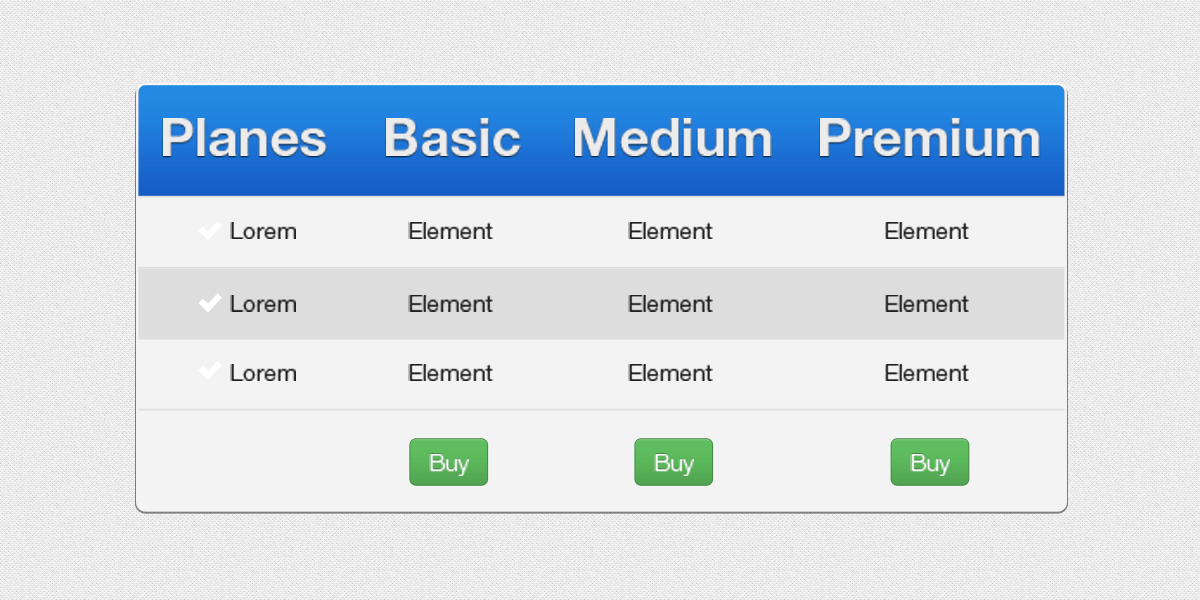
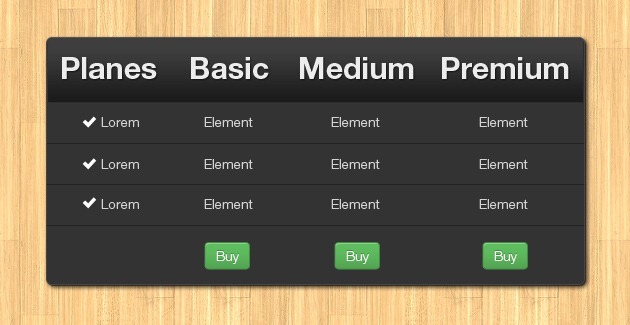
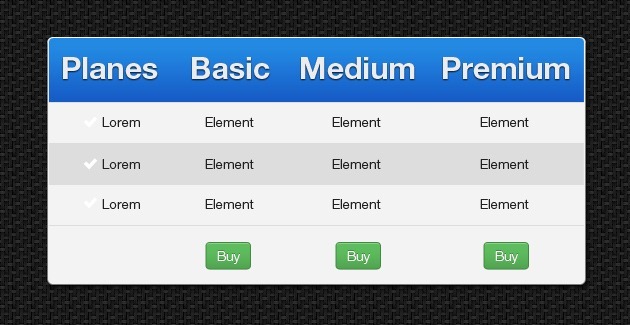
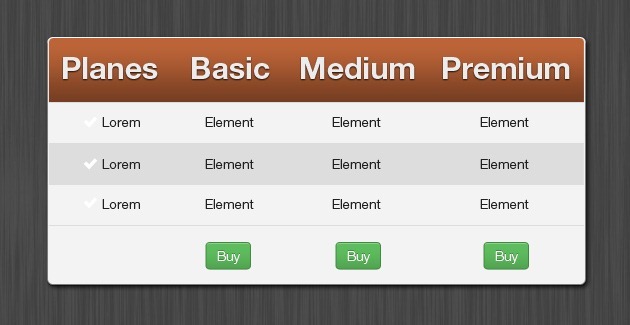
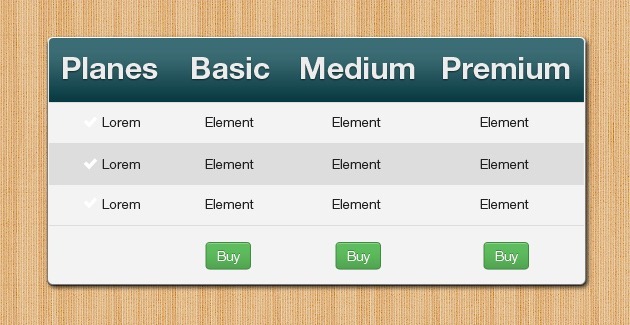
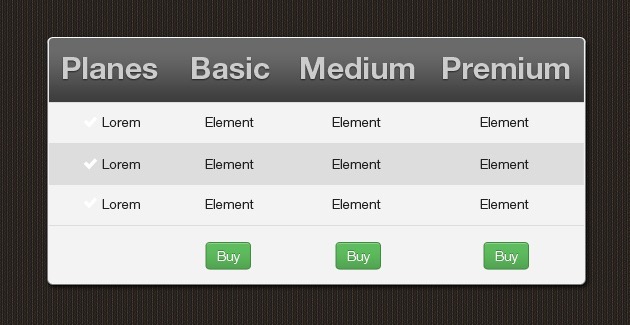
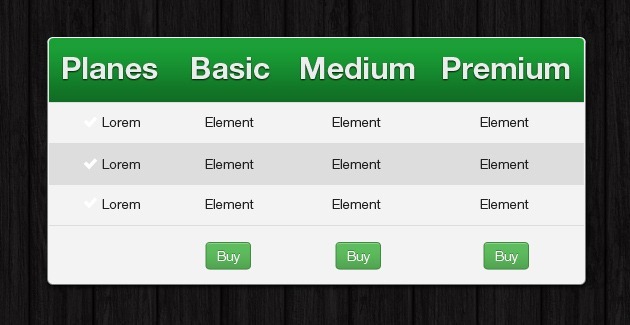
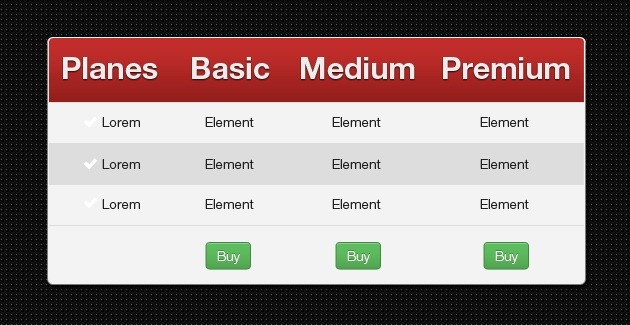
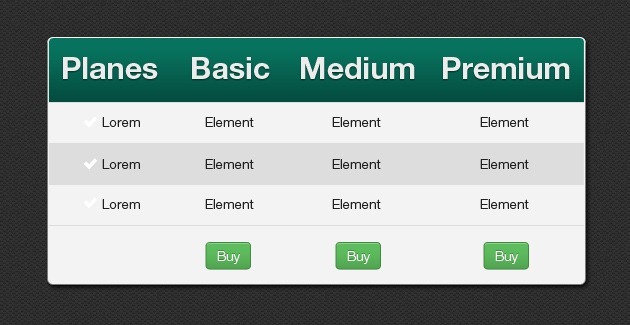
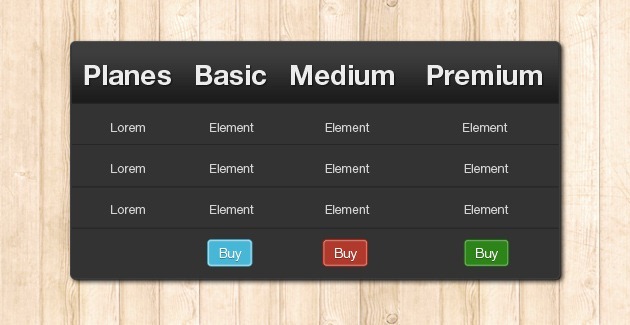
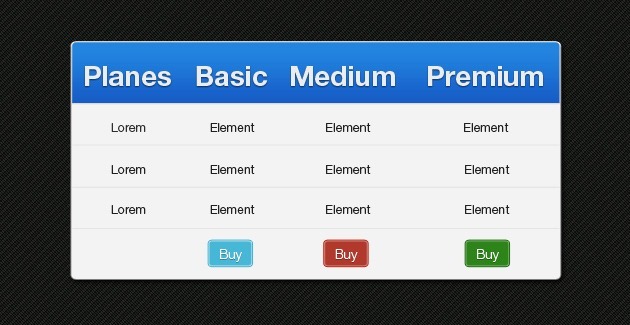
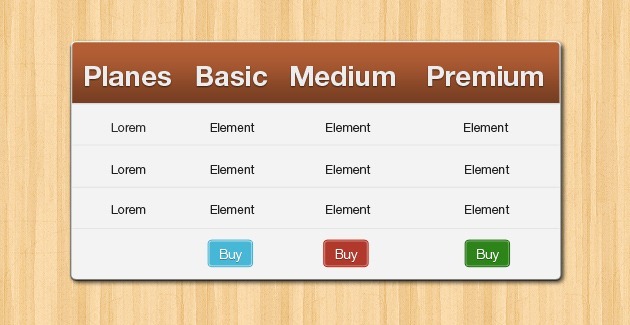
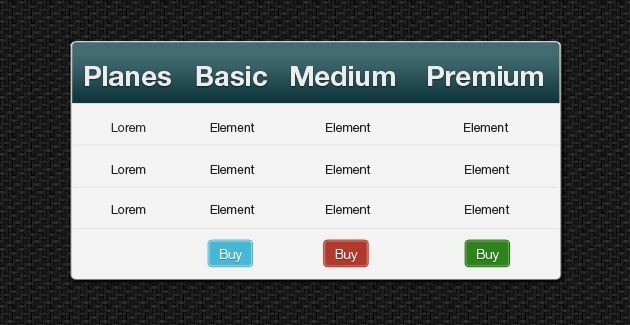
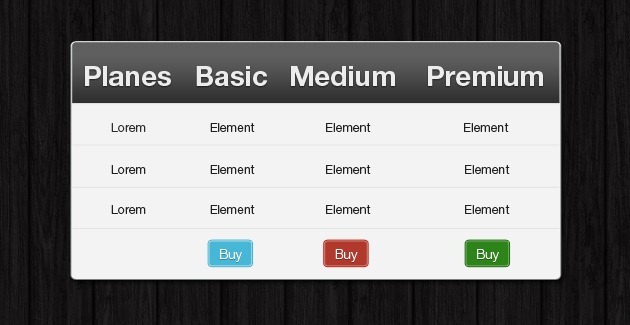
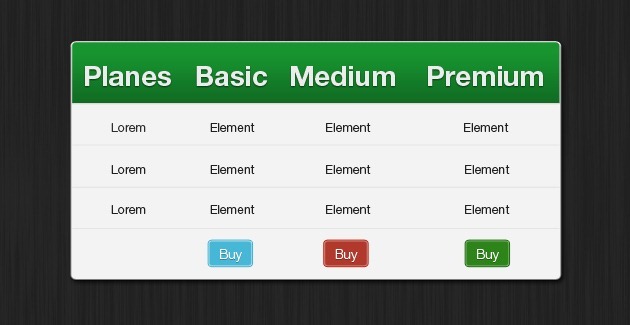
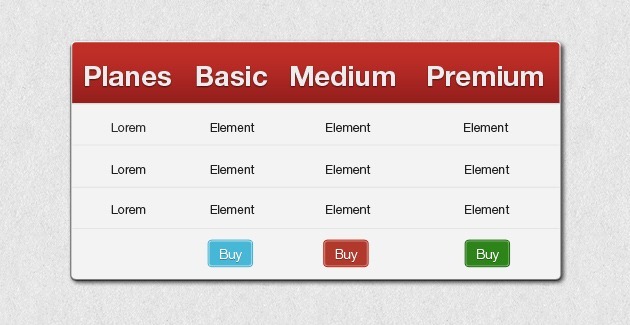
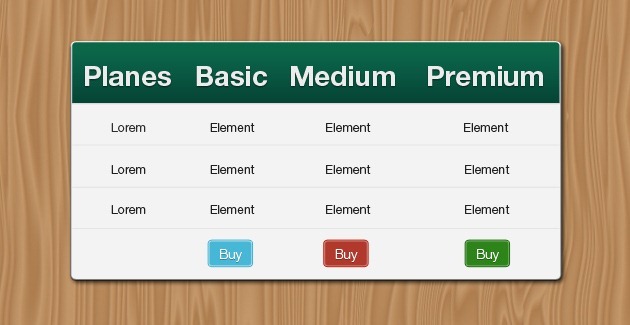
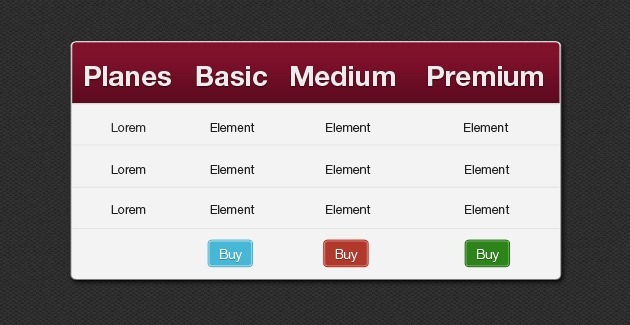
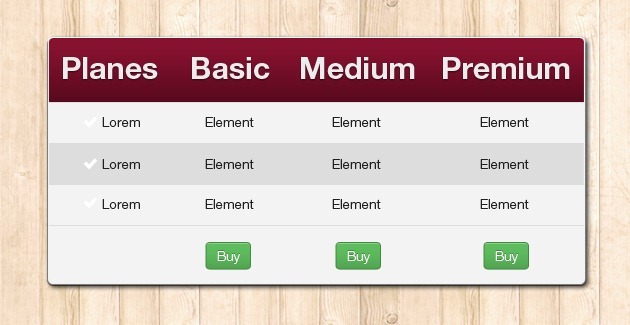
FancyTables: Several styles and colors, including PSD, CSS and Bootstrap versions.
19Creating HTML tables can be a little intimidating for us, they are kind of tricky, and sometimes we don’t get a good result in our table.
Given that, most of the times we end up making them using UL and LI tags because they are more intuitive to style, however we’ve discover that the TABLE tag is a very powerful tag which gives you a lot of flexibility and should be used more every time we can.
With all the experiences we’ve had implementing tables, we decided that it was a good idea to create a library that helped us creating them faster so we created a collection of CSS class which don’t use any image to style the tables, in order to enhance our tables, so that we just have to create the table markup and by adding the classes on the CSS file the it will look pretty cool.
In today’s post we’re sharing this CSS table styles called FancyTables so that you can download and use them, in your projects.
There are two version, one that works as an extensions of bootstrap and another that works standalone.
We’re eager to get feedback on this styles, and if there is something that you’d like to add to them we’ll be glad to hear from you about it.
In this sample video, you can take a look at how FancyTables Works and how to use it.
Basic usage
1. Reference the css file ‘table-party.css’ in your html or php file.
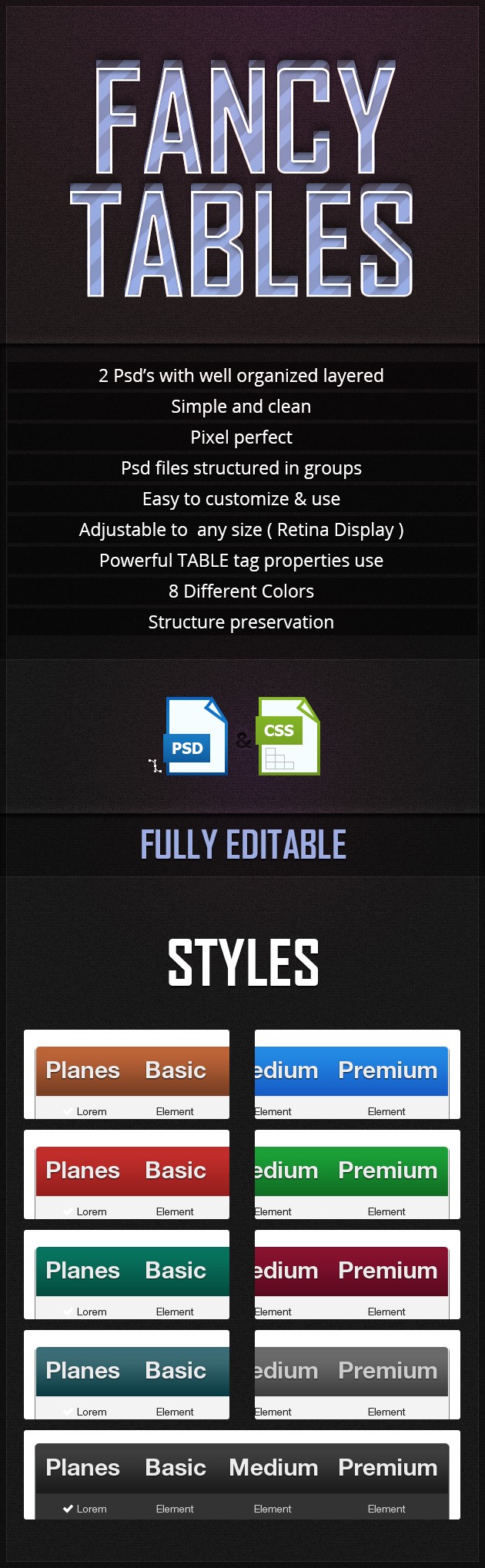
2. Create the table markup, add the class ‘table’ and the class that gives your table the custom look: e.g table-black.
</pre> <table class="table fancy-table"> <thead> <tr> <th>...</th> <th>...</th> </tr> </thead> <tbody> <tr> <td>...</td> <td>...</td> </tr> </tbody> </table> <pre> <!-- Available Styles table-black table-fancy table-chronos table-water table-wine table-red table-green table-brown table-blue -->
3. Enjoy it.

Rss feed
nice one … love it
Great you love it shakil.
Bootstrap is the trending framework for web designers. Pricing tables on bootstrap is a cool one. Thanks
yes, we are using and recommending it a lot!, it’s a great framework. actually all our themes are bootstrap ready.
All table designs are great. These FancyTables are very useful. Thanks for sharing.
Saha, yes, these have been very useful for us.
Wow, these do look great! What is comparability like for IE6 – IE8?
Uhm, a bit limited actually.
hi juan Pablo
one major feature your could add is
this example http://quanticalabs.com/script/css3-web-pricing-tables-pack-grids-/234948
on mouse hover pop up with shadow or glow also a border
this would be very helpful
regards
Andy
Andy, yeah, tha’s nice, will work on it.
Nice!! I have a reseller hosting account that I still have not made a website for. One of the things holding me back was pricing tables. Thanks!
Su, that’s great, hope these tables can help you complete that specific project dude.
hi, nice work~ love it so much.
well, I have sent the email, but still can’t download the file. when my mouse hover the button, it can’t click it. please help.
Mary, please check again.